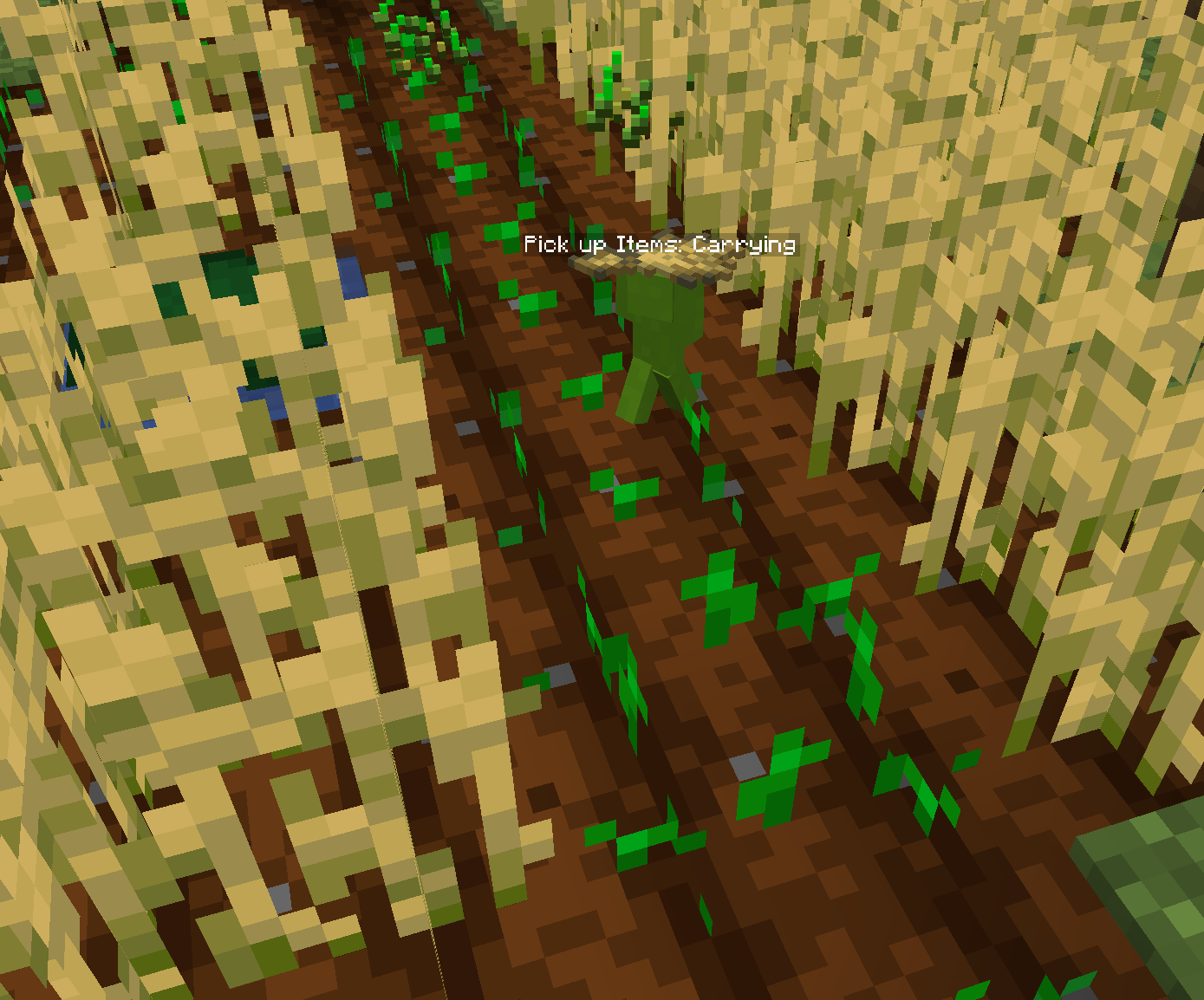
Making Clay Soldiers Work
To have Clay Soldiers perform tasks for you, they must first be loyal to you. Once loyal, you can command them using the Clay Brush.
Commanding Soldiers with the Clay Brush
The Clay Brush has multiple modes that let you control your soldiers. Right-clicking in the air or on a Block will cycle between the available modes.
Command Mode:
- When the Clay Brush is set to
Commandmode, right-clicking on a soldier will make it sit and wait for further instructions. - If you click on a King or Queen Soldier, all nearby soldiers will sit as well, allowing you to halt a group at once.
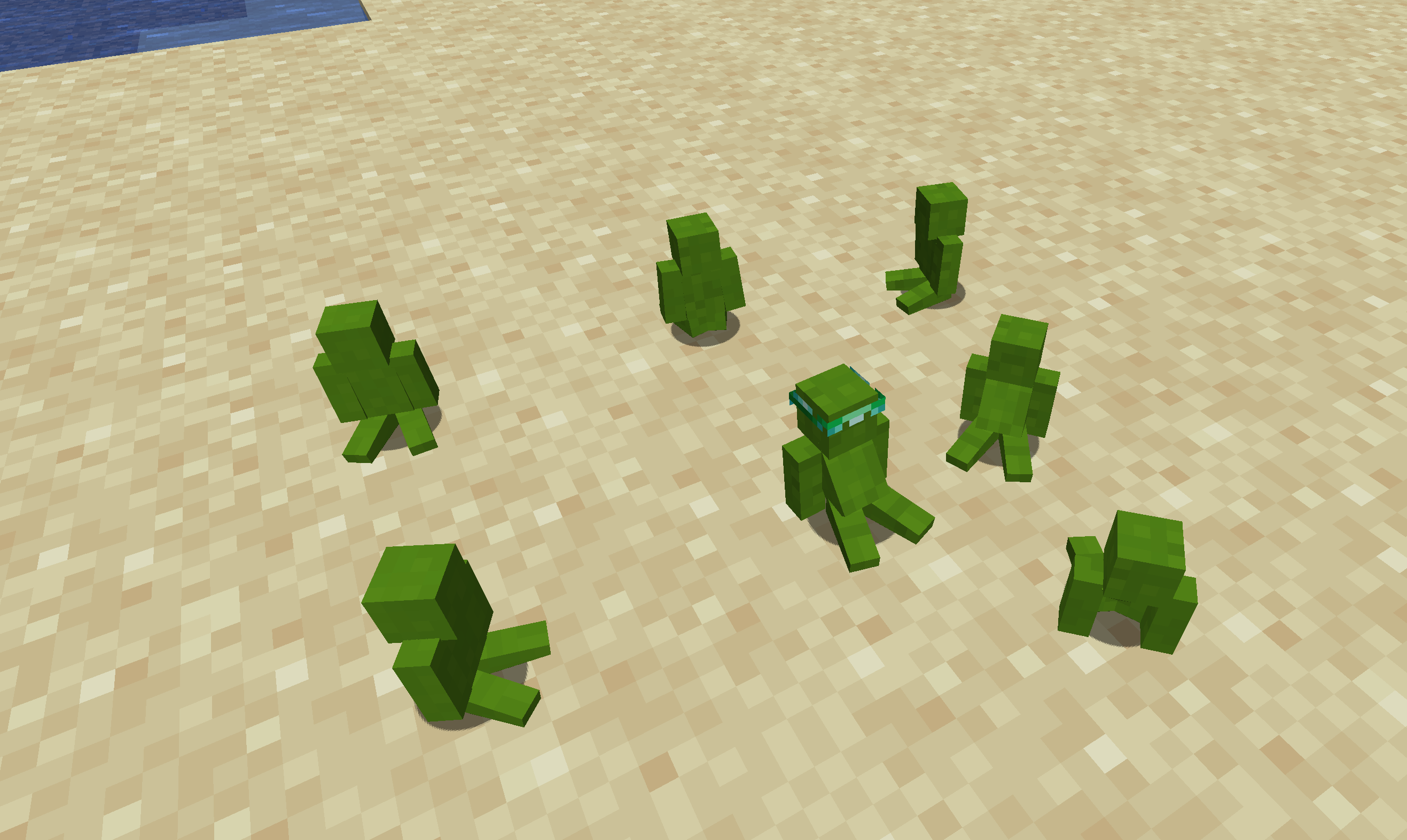 Clay Soldiers ordered to sit.
- When the Clay Brush is set to
POI Mode (Point of Interest):
- In
POImode, left-clicking (attacking) on a block will set that location as a POI. Clicking in the air will clear the saved POI. - Right-clicking on a soldier in this mode will assign them the POI, which they will treat as their primary work area.
- When Soldiers are too far way from their POI point they will return to it.
- When Assigned to a Storage like a chest, they will equip every Item found in the Storage.
- This only works if they are not currently working
- In
Clay Chips
To let Clay Soldiers work for you, you need Clay Soldier Chips. Use the Chip on a regular Soldier. From now on it complete do the task of the chip.
For all the available Chips see here
Clay Goggles
Equipping Clay Goggles or Statometer allows you to see the task the Soldier is doing.